
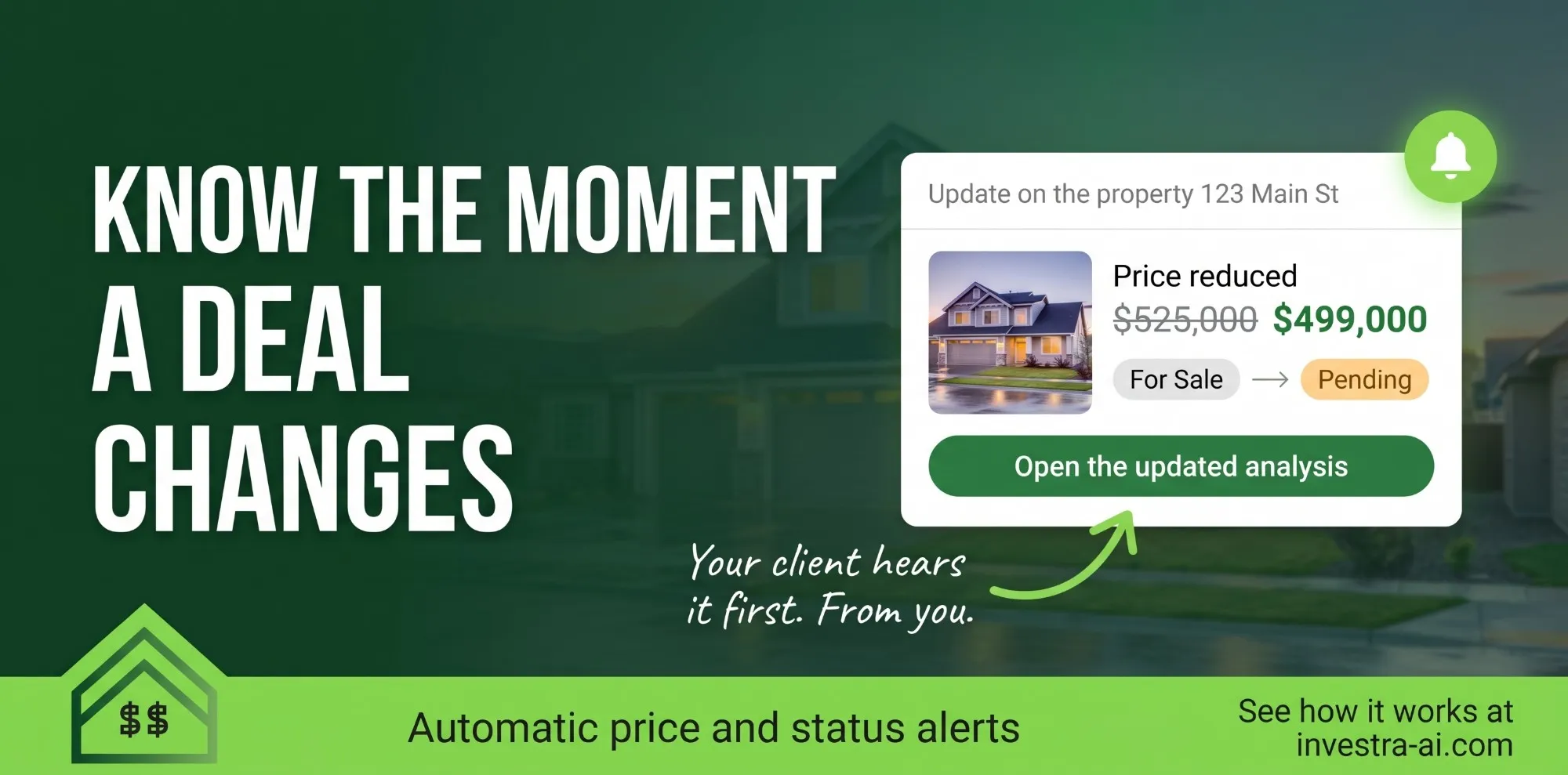
A house you analyzed for a client just dropped $26,000. Do they know? Do you? Starting today, Investra sends your clients automatic price drop and listing status alerts on the properties in their reports, with the numbers already updated and your name at the bottom.
Automatic price drop and listing status alerts
Every day, Investra checks the listings behind the reports you've sent your clients. When one changes, your client gets an email about it:
- Price drops and increases, with the old and new list price
- Status changes: pending, contingent, sold, back on the market or off the market
- An updated report, re-run at the new price, so they can see right away how the change affects cash flow, cap rate and returns
If several properties changed, they arrive together in one email, not as a stream of separate notifications.
Client follow-up that happens without you
Price reductions are the moment buyers act. They're also the moment a busy agent is most likely to miss. Investra handles that follow-up for you:
- Signed by you. Every alert comes from you and links to your report, so your client hears the news from their agent.
- Only for reports you've sent. A client never gets an alert about a property they haven't already seen from you.
- Your numbers stay yours. The updated report uses the new price, and your saved analysis stays exactly as you left it.
- You decide. Turn alerts on or off for each analysis, or set a default for all your clients. Clients can unsubscribe with one click.
See every listing change in the app
The same changes show up in Investra next to each saved analysis, so you see a price drop or a new "pending" before your client calls about it. You can also filter your saved analyses by listing status.
Frequently asked questions
How often are listing alerts sent? Investra checks for changes once a day and emails your client only when something has changed.
Does sending an alert change my analysis? No. The client's updated report uses the new list price, and your saved analysis keeps your own figures.
Can my client stop the alerts? Yes. Every email has a one-click unsubscribe link.
Turn on price drop alerts
Alerts work on every analysis you've sent to a client. Sign in to Investra to turn them on, or create a free account to get started.